
8 Key Snowflake Features Every Data Engineer Should Know

Quick Summary
8 Key Snowflake Features for Data Engineers: Snowflake is a cloud data platform that lets teams store, share, and analyze data without worrying about servers. This guide breaks down 8 must-know Snowflake features multi-cluster architecture, storage-compute separation, automatic scaling, secure data sharing, Time Travel, semi-structured data support, query optimization, and built-in security explained in plain, everyday language for beginners, data engineers, and business teams alike.
- 01. Blog Summary
- 02. Introduction
- 03. Multi-Cluster Shared Data Architecture
- 04. Separation of Storage and Compute
- 05. Automatic Scaling
- 06. Secure Data Sharing
- 07. Time Travel and Fail-safe
- 08. Semi-Structured Data Support
- 09. High Performance Query Optimization
- 10. Built-in Security and Governance
- 11. Conclusion
- 12. Frequently Asked Questions
Introduction
8 Key Snowflake Features for Data Engineers: Picture this. A company has data pouring in from its website, its mobile app, its sales team, and even its warehouse sensors. Every department wants answers from that data, and they want them fast. The old way of doing things one giant, slow database that everyone fights over just doesn’t work anymore.
This is exactly the problem Snowflake was built to solve. It is a cloud data platform that lets teams store huge amounts of data, run reports, share information with partners, and even train AI models all from one place, without buying or managing a single server.
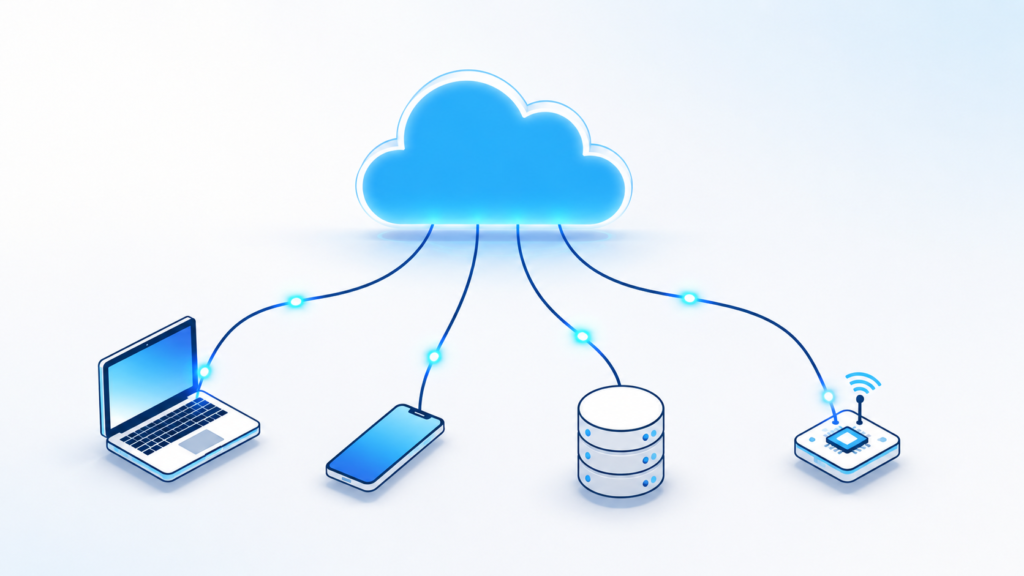
Whether you are a student just starting to learn about data, a data engineer building pipelines, or a business leader trying to understand what your tech team keeps talking about, this guide will walk you through the 8 features that make Snowflake special in plain, simple English, with real-life examples
1. Multi-Cluster Shared Data Architecture
8 Key Snowflake Features for Data Engineers: Think of Snowflake like a large office building. In a traditional database, everyone has to share one meeting room so if the marketing team is using it, the finance team has to wait outside. Snowflake gives every team its own room, in the same building, working with the same shared files.
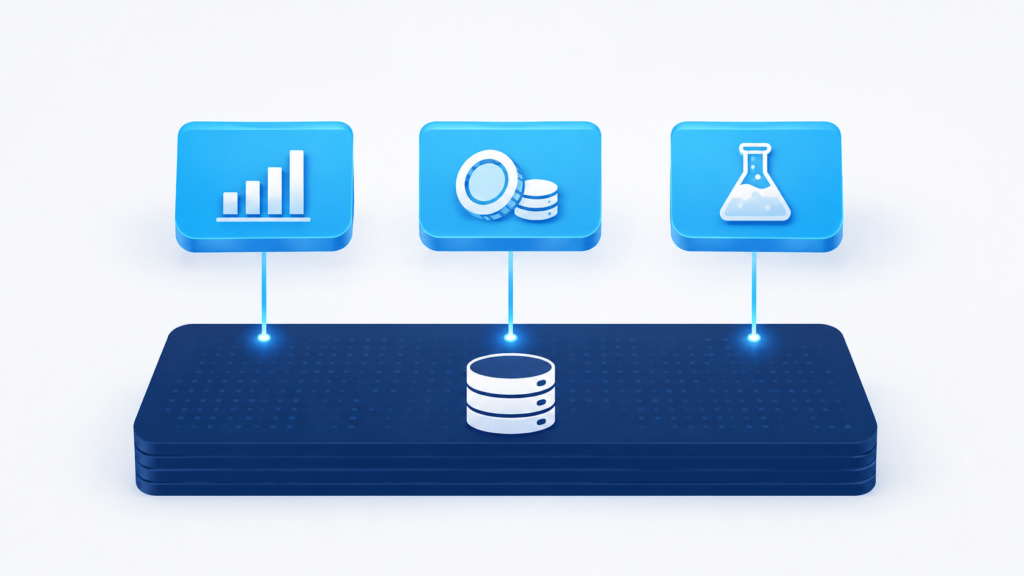
It does this by splitting itself into three layers that work together but never get in each other’s way:
- Database Storage Layer: where all the data actually lives
- Virtual Warehouse (Compute Layer): the engines that run queries and calculations
- Cloud Services Layer: the brain that manages security, metadata, and coordination
Because compute is separated from storage, dozens of teams can query the exact same data at the exact same time, without slowing each other down.
Why this matters
- Independent scaling of compute
- No resource contention between teams
- High concurrency for many users at once
- Better, more predictable query performance
- Lower overall infrastructure costs
Real-world example: a retail company can have its marketing team running campaign reports, its finance team building dashboards, its data scientists training machine learning models, and its executives checking live sales numbers all at the same time, without anyone experiencing a slowdown.
2. Separation of Storage and Compute
8 Key Snowflake Features for Data Engineers: Here’s a simple way to understand this feature: imagine if you only had to pay rent for the office space you actually walked into that day, while keeping all your filing cabinets in a cheap storage unit nearby. That’s what Snowflake does with data.
Traditional databases force you to upgrade the entire server storage and processing power together even if you only need more of one. Snowflake lets you scale compute resources up or down independently from storage, so you are never paying for capacity you don’t need.
Advantages
- Pay only for the compute you actually use
- Store unlimited data without extra processing costs
- Pause compute warehouses when they are idle
- Spin up faster processing power only during peak workloads
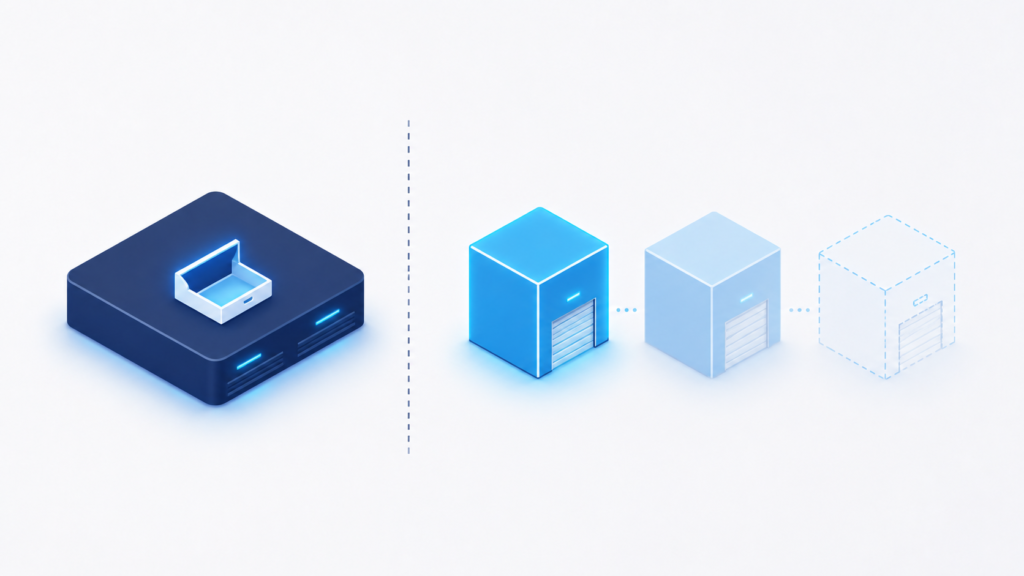
Example: a company storing 500 TB of customer data can keep storage costs low all year, use a small, inexpensive warehouse for daily reports, and launch a large warehouse only during month-end reporting. This single change can significantly reduce cloud costs.
3. Automatic Scaling
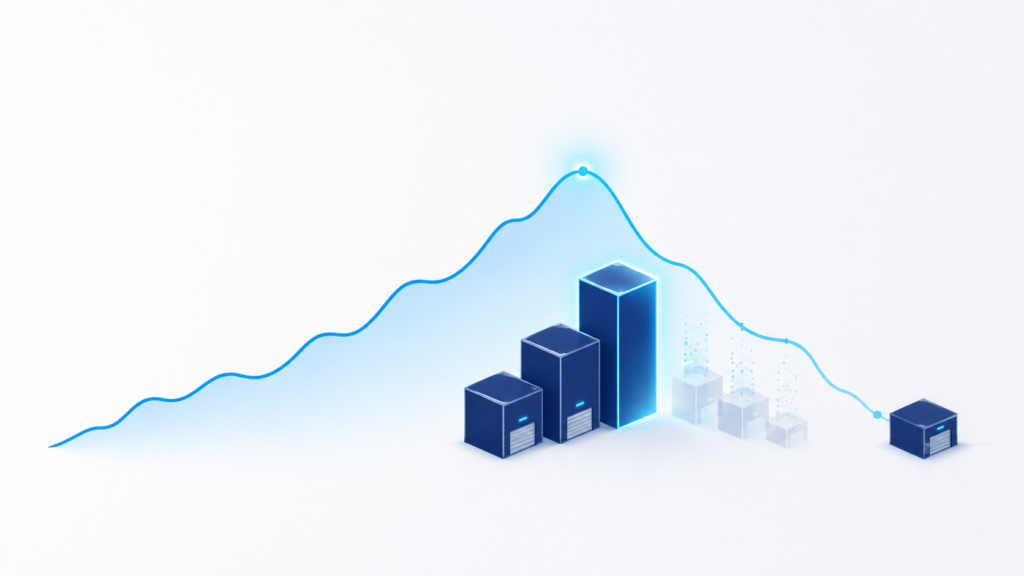
8 Key Snowflake Features for Data Engineers: Imagine a highway that could add more lanes the moment traffic builds up, and quietly remove them again once the rush hour is over. That is exactly what Snowflake’s automatic scaling does for your data workloads.
Instead of an engineer manually provisioning new servers at midnight, Snowflake handles it on its own:
- Scale up: increase the size of a single warehouse
- Scale out: add multi-cluster warehouses to handle more concurrent users
- Suspend automatically when a warehouse is inactive
- Resume automatically the moment a new query comes in
Why teams love it
- No infrastructure management required
- Consistently better performance, even under heavy load
- Reduced day-to-day operational effort
- Smarter cost optimization
This makes Snowflake a great fit for businesses whose workloads are unpredictable like an online store during a holiday sale, or a news site during a breaking story
4. Secure Data Sharing
8 Key Snowflake Features for Data Engineers: Remember the old days of sharing data exporting a giant CSV file, uploading it to an FTP server, and hoping the other person’s system could read it? Snowflake removes all of that friction.
With Snowflake’s secure data sharing, organizations can share live data with partners without copying, exporting, or transferring a single file.
- No CSV exports
- No FTP transfers
- No duplicate databases sitting around, going out of date
Partners simply access the same secure, governed data directly always up to date, always controlled.
Benefits
- Real-time collaboration between organizations
- No data duplication or version confusion
- Reduced storage costs since nothing is copied
- Improved governance and control over who sees what
- Faster partner integration and onboarding
Example: a healthcare organization can securely share patient analytics with research partners while still maintaining strict governance and compliance standards.
5. Time Travel and Fail-safe
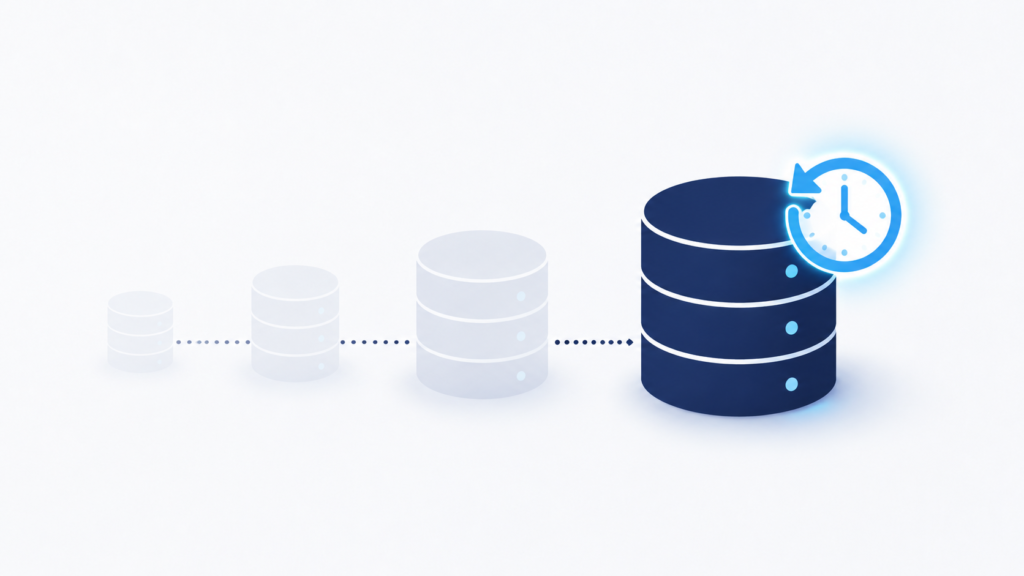
8 Key Snowflake Features for Data Engineers: We’ve all done it accidentally deleted the wrong file, or overwritten something important. Snowflake’s Time Travel feature is essentially a giant ‘undo’ button for your data.
With Time Travel, you can recover data from previous states, including:
- Deleted tables
- Deleted schemas
- Earlier versions of data
- Accidental updates or overwrites
Benefits
- Easy, fast recovery from mistakes
- Stronger data protection overall
- Simplified auditing for compliance teams
- Reduced business risk from human error
On top of Time Travel, Snowflake’s Fail-safe feature adds an extra safety net a disaster-recovery layer managed entirely by Snowflake, giving teams peace of mind even in worst-case scenarios.
6. Semi-Structured Data Support
8 Key Snowflake Features for Data Engineers: Modern businesses don’t just deal with neat rows and columns anymore. Data now arrives in all kinds of shapes and formats: JSON, XML, Avro, ORC, and Parquet. Snowflake was built to understand these formats natively no complicated conversions needed.
Benefits
- Faster data ingestion
- Flexible schema handling as data changes
- Better, deeper analytics
- Simplified ETL pipelines with fewer moving parts
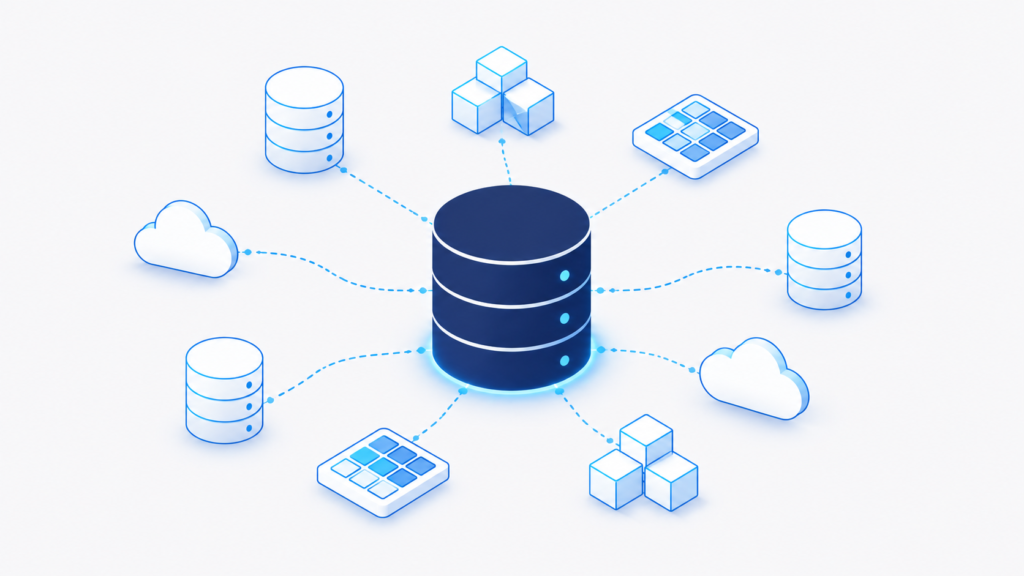
Example: an e-commerce company can directly analyze customer clickstream data stored in JSON, without first converting it into traditional relational tables.
7. High Performance with Automatic Query Optimization
8 Key Snowflake Features for Data Engineers: Most databases need a specialist to manually tune indexes and speed things up. Snowflake quietly does this work behind the scenes, so your queries stay fast without anyone lifting a finger.
Some of the technology working in the background includes:
- Result Cache: reuses results from repeated queries
- Local Disk Cache and Metadata Cache: speed up repeated access
- Micro-partition Pruning: scans only the data that matters
- Search Optimization Service: speeds up point lookups
- Automatic metadata management and query optimization
Benefits
- Faster dashboards for everyday users
- Lower query latency across the board
- Better performance for BI and reporting tools
- Reduced administration effort for IT teams
The result? Business users get quicker access to the reports and insights they need, without waiting around.
8. Built-in Security and Governance
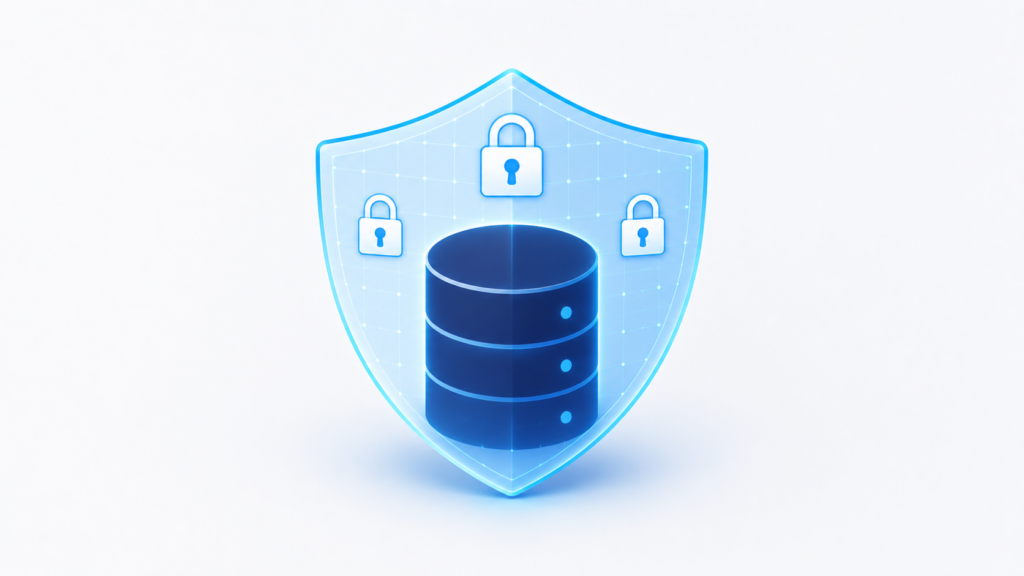
8 Key Snowflake Features for Data Engineers: Security isn’t an add-on in Snowflake it’s built into the foundation. This is one of the reasons banks, hospitals, and governments trust it with sensitive information.
Snowflake’s enterprise-grade security toolkit includes:
- End-to-end encryption
- Dynamic Data Masking and Tag-Based Masking
- Access History and Object Tagging
- Row Access Policies and row-level security
- Column-level security
- Role-Based Access Control (RBAC)
- Multi-Factor Authentication (MFA)
- Network policies
- Compliance support for SOC, HIPAA, PCI DSS, and GDPR
Benefits
8 Key Snowflake Features for Data Engineers:
- Protects sensitive information at every layer
- Helps organizations meet regulatory requirements
- Secures data access down to the row and column level
- Simplifies governance for large, complex teams
This combination of security features is exactly why Snowflake works so well for industries like finance, healthcare, retail, and government.
Conclusion
8 Key Snowflake Features for Data Engineers: Snowflake isn’t just a place to store data anymore. It has grown into a unified data platform that supports data engineering, analytics, AI and machine learning, secure data sharing, and governance all in one place.
From its multi-cluster architecture that keeps teams from bumping into each other, to its built-in security that keeps regulators happy, every feature in this guide points to the same idea: Snowflake removes the technical headaches so people can focus on what really matters understanding their data and making better decisions.
8 Key Snowflake Features for Data Engineers: Whether you’re just starting your data journey or already managing pipelines at scale, these 8 features are the foundation worth knowing.
if you looking to learn Snowflake Just Step into SkillMove 1 of Leading Recruitment And staffing Company in India helps employees to place with high paying salaries in 500+ Compnaies Over India
Frequently Asked Questions (FAQs)
Everything you need to know about Snowflake and its powerful cloud data platform.
1. What is Snowflake used for?
2. Is Snowflake a database or a data warehouse?
3. What makes Snowflake different from traditional databases?
4. What is a Virtual Warehouse in Snowflake?
5. What is Time Travel in Snowflake?
6. How does Snowflake keep data secure?
7. Can Snowflake handle JSON and other semi-structured data?
8. Does Snowflake require manual performance tuning?
9. How does Snowflake help reduce cloud costs?
10. Who should learn Snowflake?
Explore Core Technical Training Programs